Local PHP Project On Mobile: Quick Setup For Testing Dev

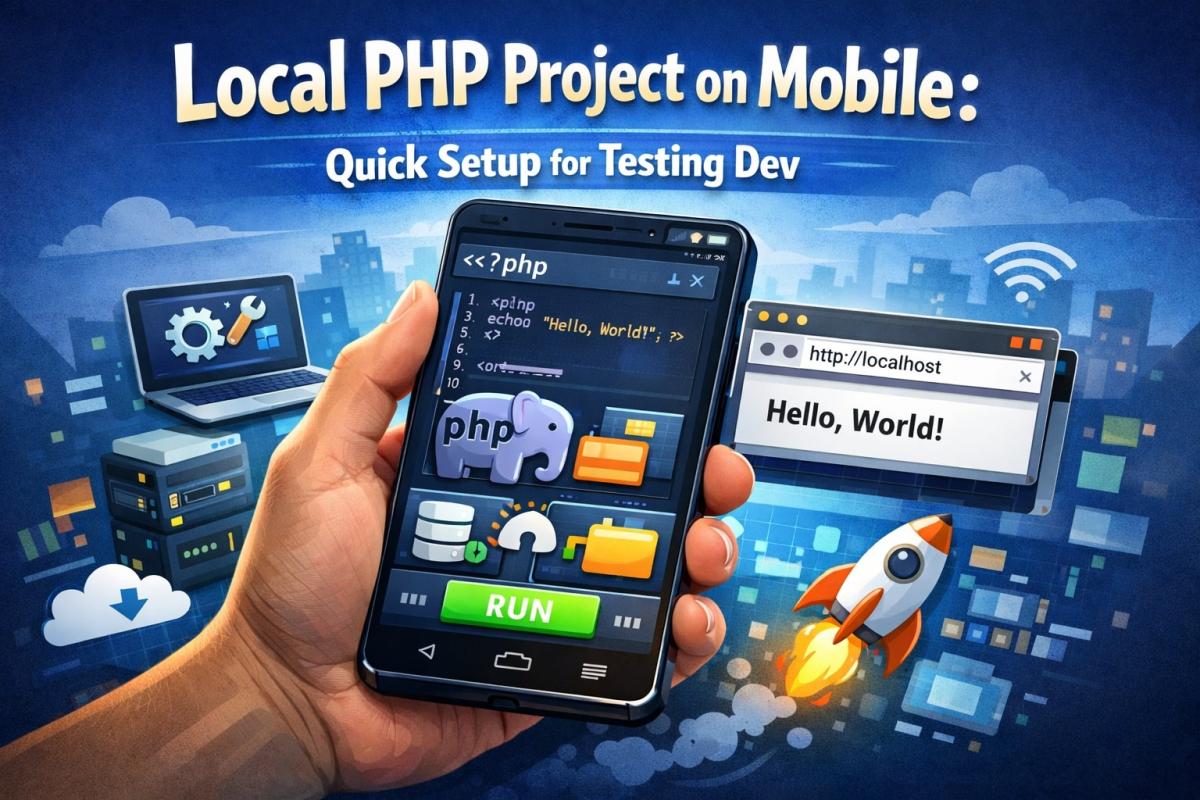
Testing PHP projects is no longer limited to desktops and laptops. With modern smartphones becoming more powerful, developers and students can now run and test PHP applications directly on their mobile devices. Local PHP Project on Mobile testing helps you preview layouts, debug features, and validate functionality anytime, anywhere. This quick setup approach is especially useful for beginners, freelance developers, and learners who want a portable development workflow without heavy system requirements.
Why Test a Local PHP Project on Mobile?
Mobile-based testing has gained popularity because it saves time and adds flexibility to the development process. When you test your PHP project on a mobile device, you see exactly how it behaves on smaller screens and touch interfaces. This is essential because most users access web applications from smartphones today.
Another benefit is convenience. You don’t always need a laptop to test a feature or fix a minor bug. With a simple setup, your phone becomes a mini development environment. This approach is ideal for students practicing PHP or developers working on quick demos and client previews.
Understanding the Concept of Local PHP Testing
A local PHP project usually runs on a local server environment such as Apache or Nginx with PHP and MySQL. On mobile devices, this concept remains the same, but the tools are adapted for Android or iOS platforms.
Instead of installing bulky desktop software, mobile apps provide lightweight server environments. These apps allow you to host PHP files locally, access them through a browser, and test functionality just like on a PC. The goal is to simulate a real server environment while keeping the setup simple.
Tools Required for Quick Mobile Setup
Before starting, it’s important to know which tools you’ll need. The exact tools depend on your device type, but the overall requirements remain similar.
For Android users, there are apps that bundle Apache, PHP, and MySQL in one package. These apps allow you to place your PHP files in a specific folder and run them locally. iPhone users typically rely on local servers running on a computer and access them via the mobile browser, or use specialized PHP sandbox apps.
In addition, you may need:
- A code editor app for editing PHP files.
- A modern mobile browser.
- Basic knowledge of PHP and folder structures.
Step-by-Step: Quick Setup on Android Devices
Setting up a PHP environment on Android is relatively straightforward. First, install a PHP server app from the app store. Once installed, launch the app and start the local server. Most apps will automatically configure Apache and PHP for you.
Next, locate the server’s root directory. This is where you place your PHP project files. Copy your existing project or create a new folder for testing. After placing the files, open your mobile browser and navigate to localhost or the IP address shown in the app.
You should now see your PHP project running locally. From here, you can test forms, database connections, and basic functionality with ease.
Quick Setup for iPhone Users
iOS has more restrictions compared to Android, but testing is still possible. One common method is to run your PHP project on a local server on your computer and access it from your iPhone using the same Wi-Fi network.
Another option is to use PHP-supported sandbox or server apps designed for iOS. These apps allow limited PHP execution directly on the device. While they may not support complex configurations, they are sufficient for basic testing and learning purposes.
Regardless of the method, the key idea is to ensure your iPhone can access the local PHP files through a browser interface.
Testing Features Effectively on Mobile
Once your project is running, focus on testing the most critical features. Start with basic page loading and navigation. Then move on to forms, user inputs, and validation logic.
Mobile testing also highlights responsiveness issues. Check how layouts adapt to different screen sizes and orientations. Ensure buttons are easily clickable and text is readable without zooming. These checks improve user experience and help you identify design flaws early.
Debugging PHP Projects on Mobile
Debugging on mobile may feel challenging at first, but it becomes easier with practice. Enable error reporting in your PHP configuration so that errors are displayed clearly in the browser.
You can also use log files provided by the server app to track issues. Simple debugging techniques such as echo, print_r, and var_dump are still effective. For beginners, these methods are often sufficient to identify and fix problems quickly.
Best Practices for Mobile PHP Testing
To get the most out of mobile testing, follow some best practices. Keep your project lightweight to avoid performance issues on mobile devices. Avoid unnecessary libraries and large assets during testing.
Always test in multiple browsers if possible. Different mobile browsers may render content slightly differently. Regularly back up your project files to cloud storage or a computer to prevent data loss.
Finally, remember that mobile testing complements desktop testing—it does not fully replace it.
Advantages for Students and Developers
Mobile-based PHP testing offers several advantages. Students can practice coding anywhere without needing expensive hardware. Developers can quickly demonstrate features to clients or teammates.
This approach also encourages experimentation. Since the setup is quick and flexible, you’re more likely to try new ideas and learn through hands-on practice. Over time, this improves both coding skills and confidence.
Common Limitations to Keep in Mind
While mobile testing is powerful, it has limitations. Complex server configurations and heavy databases may not run smoothly on mobile apps. Performance can also be limited compared to desktop environments.
Understanding these limitations helps you use mobile testing wisely. Use it for quick checks, learning, and demos, but rely on full desktop setups for production-level testing.
Preparing Projects for Final Deployment
After testing your PHP project on mobile, ensure it’s ready for deployment. Review all features, fix identified issues, and optimize performance. Mobile testing gives you valuable insights into real-world usage scenarios.
This step bridges the gap between development and production. It ensures your application works well across devices and delivers a consistent user experience.
Future Scope of Mobile-Based Development Testing
As mobile hardware continues to improve, mobile-based development environments will become even more capable. Developers may soon rely more on smartphones for quick testing and debugging.
Learning how to set up and test PHP projects on mobile today prepares you for these future trends and keeps your skills relevant.
Why Local PHP Project on Mobile Setup Matters for Quick Testing
Using Local PHP Project on Mobile testing allows developers to instantly validate changes, fix bugs, and preview updates without waiting for a full desktop environment. This quick setup approach boosts productivity, improves flexibility, and makes PHP development more accessible for learners and professionals alike.
Conclusion
Running and testing PHP projects on mobile devices is no longer a niche practice. With the right tools and a simple setup, anyone can transform their smartphone into a testing environment. Whether you’re a student learning PHP or a developer working on quick updates, mobile testing offers speed, convenience, and real-world insights. By mastering this approach, you enhance your workflow and stay ahead in modern web development.